Your WordPress site is live, but your team still faces daily headaches. Slow pages, plugin conflicts, and confusing backups can drain your time and patience. This checklist covers 15 practical checks to ease your WordPress friction, focusing on real fixes for speed, security, and stability. Start reducing stress today and see how managed WordPress hosting Canada can bring peace of mind. For additional tips, you can explore checklists like this 9-point checklist for monthly WordPress maintenance.
Common WordPress Frustrations
Running a WordPress site can sometimes feel like more trouble than it’s worth. Here are a few common issues you might face.
Site Loading Slowly
A sluggish website can frustrate both you and your visitors. Slow load times often result from unoptimized images, excessive plugins, or outdated themes. To resolve this, begin by compressing large images and limiting plugins to only those essential for your site’s functionality. Consider using tools like Google PageSpeed Insights to identify specific areas for improvement. If these steps don’t help, it might be time to explore WordPress performance tuning for deeper optimization.
Plugin Conflicts Identified
Plugins are great for adding features, but they can also clash with each other. Conflicts can cause errors or even crash your site. To manage this, deactivate all plugins and reactivate them one by one, checking your site each time to identify the culprit. Always keep plugins updated and consider replacing outdated ones with more reliable options. Websites like SEO Webfly offer troubleshooting checklists that can help manage these issues.
Unresponsive Customer Support
When technical problems arise, having access to helpful support is vital. Unfortunately, many hosting providers fall short in this area. If you’re stuck in a ticket maze with no resolution in sight, it might be time to switch to a provider known for real human support hosting.
Essential Checks for Smooth Operation
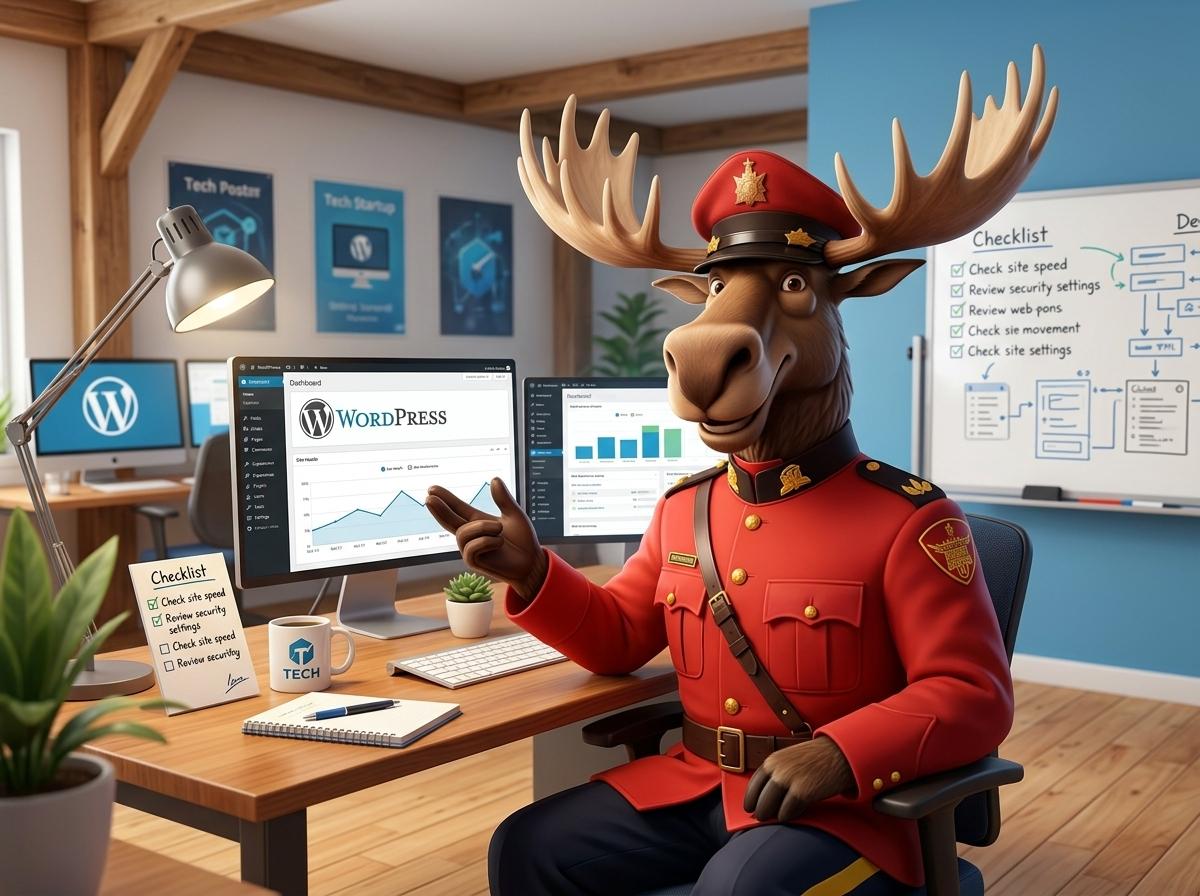
To ensure your WordPress site runs smoothly, regular maintenance and checks are essential. Here’s what you should focus on.
Regular WordPress Backups
Backing up your site is crucial to protect against data loss or accidental changes. Set up automated backups that run at least once a week. This way, you can easily restore your site if anything goes wrong. Use reliable backup plugins like UpdraftPlus or BackupBuddy. Remember to store backups in multiple locations, such as on a cloud service and a local drive.
DNS and CDN Configuration
Configuring your DNS settings correctly ensures your site is accessible. A Content Delivery Network (CDN) can speed up load times by serving your site’s static content from servers closer to your visitors. Services like Cloudflare offer free plans that are easy to set up and can significantly improve performance. Make sure your DNS records are up to date to avoid downtime.
WordPress Performance Tuning
Optimizing your WordPress site for speed and performance is crucial. Start with WordPress performance tuning practices like caching, image compression, and database optimization. Tools like WP Super Cache or W3 Total Cache can help streamline caching processes. Regularly cleaning up your database by removing old revisions and unused data can also improve speed.
Benefits of Managed Hosting

Consider the advantages of managed WordPress hosting to alleviate many of your site’s ongoing issues.
Local Support and Data Residency
With Canadian servers, your site benefits from faster speeds and legal compliance. Local support means you can get help quickly when you need it. Choosing a provider that keeps data within Canada ensures you’re meeting local data residency requirements, which can be critical for compliance in certain industries.
Real Human Support Hosting
One of the most significant benefits of managed hosting is access to real human support. When issues arise, having knowledgeable experts on hand can save you time and stress. Look for a host that offers personalized support without the hassle of automated systems or call centers.
No Contract Hosting Flexibility
Gone are the days of being locked into lengthy contracts. Some hosting providers offer month-to-month plans, giving you the flexibility to switch services if your needs change. This flexibility can be especially beneficial for small businesses or nonprofits that may face evolving requirements.
Frequently Asked Questions
What is the importance of regular WordPress backups?
Regular backups protect your site from data loss and enable quick recovery in case of errors or cyberattacks. They are essential for maintaining site integrity.
How can a CDN improve my WordPress site’s performance?
A CDN stores your site’s static content on multiple servers worldwide, reducing load times by delivering content from the nearest server to the user.
Why is local support important for my WordPress hosting?
Local support ensures faster response times and a better understanding of regional issues. It enhances trust and compliance with local data laws.
What are the benefits of no contract hosting?
No contract hosting allows flexibility and freedom to change providers without being locked into long-term commitments, ideal for dynamic business needs.
How do I identify plugin conflicts on my WordPress site?
To find plugin conflicts, deactivate all plugins and reactivate them individually. Check your site functionality each time to pinpoint any problematic plugins.