Your WordPress site looks smooth on the surface, but is it quietly creating extra work for your team? Hidden plugin conflicts, slow page loads, or unnoticed security gaps can steal hours without raising alarms. This post will help you spot those silent issues and explain how a proper website health check with managed WordPress hosting can save your business time and stress. Ready to cut the hidden workload? Keep reading. For more troubleshooting tips, check out this checklist.
Identifying Hidden Workload
Every WordPress site has its challenges, but some issues lurk below the surface. They can quietly add hours to your workload. Let’s explore how to identify these hidden problems.
Unseen Plugin Conflicts
Plugins enhance your site, but they can also clash. These conflicts are sneaky: they might not show obvious errors but could slow down your site or cause unpredictable behavior. To spot conflicts, regularly update your plugins. Then, deactivate one at a time to identify troublemakers. If a conflict appears, consider seeking help or replacing the problematic plugin. Discover more about plugin issues.
Overlooked Database Optimization
Your database stores all your site information. Over time, it can become cluttered with unnecessary data, slowing down performance. Regular optimization can prevent this. Use tools like WP-Optimize to clean up and speed up your database. This simple step can make your website faster and more reliable. For more insights, visit this troubleshooting guide.
Essential WordPress Maintenance
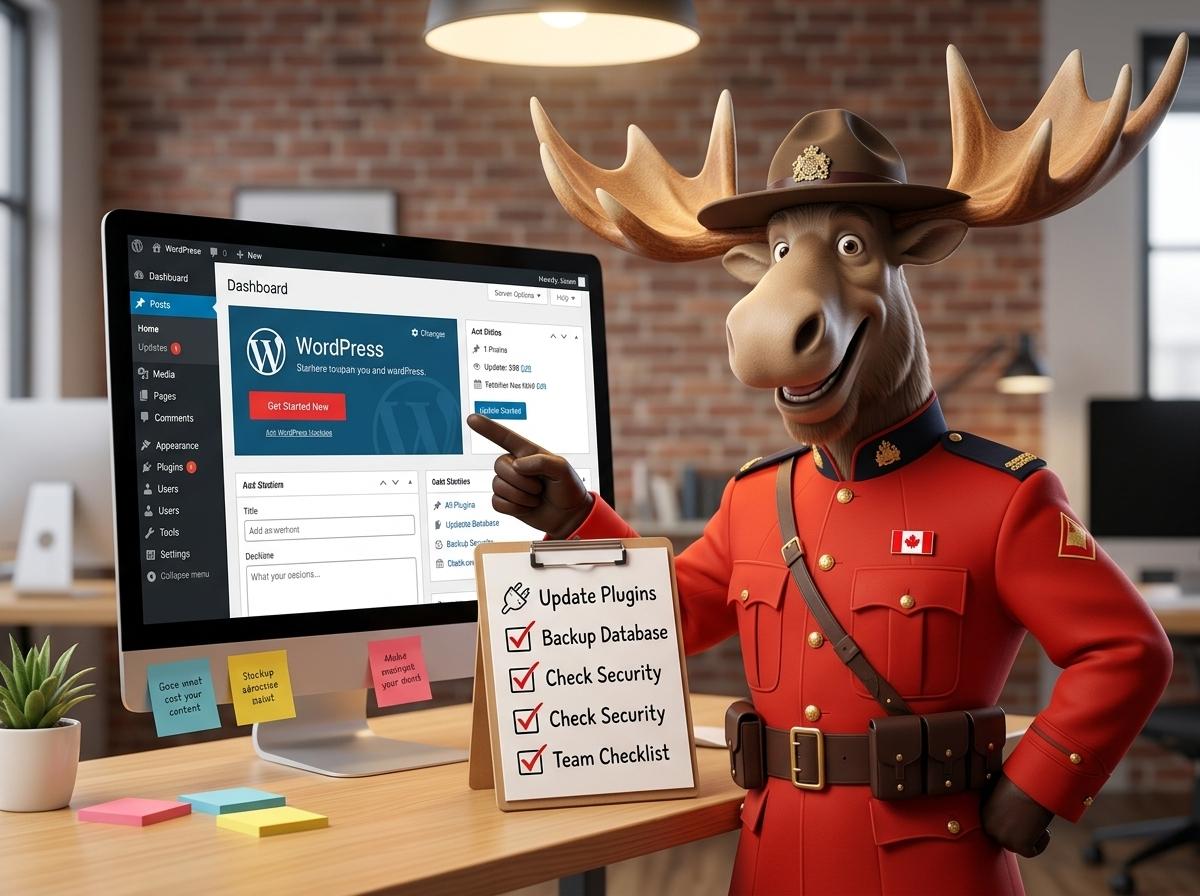
Regular maintenance is crucial to keep your WordPress site running smoothly. Here’s how you can ensure your site remains in top condition.
Page Speed Optimization Tips
Slow pages can frustrate visitors and hurt your search engine rankings. To boost speed, compress images and leverage browser caching. Tools like Google PageSpeed Insights can help identify areas for improvement. Faster loading times lead to happier visitors and better engagement. Learn more about optimizing page speed with these resources.
Automatic Backups and Security
Security is vital for any site, and backups are your safety net. Set up automatic backups to protect your data from unexpected issues. Consider security plugins like Wordfence for additional protection against threats. Regularly updating WordPress and its components also helps prevent vulnerabilities.
Benefits of Managed WordPress Hosting

Managed hosting can take a load off your shoulders, allowing you to focus on what truly matters: your business.
Real Human Support in Canada
When things go wrong, having real people to turn to is invaluable. With managed WordPress hosting, you get access to expert support ready to help without the frustration of automated systems. This means you can resolve issues quickly and get back to business.
Month-to-Month, No Contract Hosting
Flexibility is key for small businesses. Managed hosting with no long-term contracts means you can choose what’s best for you without feeling tied down. This freedom allows you to adapt hosting needs as your business grows or changes.
Frequently Asked Questions
What are the signs of plugin conflicts?
Plugin conflicts can manifest as slow site performance, unexpected errors, or features not working correctly. Regularly updating plugins and monitoring site behavior can help catch these early.
How can I improve my WordPress site’s speed?
You can enhance speed by optimizing images, enabling caching, and using a content delivery network (CDN). These steps help reduce load times and improve user experience.
Why is database optimization important for WordPress?
A clean and optimized database ensures fast data retrieval, improving overall site performance. Regularly removing unnecessary data helps maintain a lean, efficient database.
How often should I back up my WordPress site?
Automatic daily backups are recommended. This ensures you have the most recent data available in case of any issues, minimizing potential data loss.
What makes managed WordPress hosting different?
Managed WordPress hosting provides expert support, automatic updates, and enhanced security measures. This allows you to focus on your business without worrying about technical maintenance.