
Logging into your Hostinger account shouldn’t slow you down. Whether you’re trying the hPanel, email, or WordPress login, small glitches like forgotten passwords or two-factor troubles can quickly get frustrating. This guide walks you through fast fixes and smooth access steps. Plus, if you want Canadian hosting with real human support and no contracts, we’ll introduce you to a friendly alternative that keeps your data local and your site running strong.
Fast Hostinger Login Tips
Finding your way into your Hostinger account can be easy if you know the right steps. We’ll break down access to hPanel, email, and WordPress, ensuring quick login without hassle.
Streamlined Hostinger hPanel Login
Getting into the Hostinger hPanel is your first step to managing your website efficiently. To start, go to the Hostinger website and click on “Log In.” Enter your email and password to access the dashboard. If you prefer, you can also use Google or Facebook for login. Once inside, you can monitor site performance and manage settings easily.
If you run into any trouble, double-check those login details. A simple typo can trip you up. For extra security, consider enabling two-factor authentication. This adds a layer of protection, keeping your site safe from unauthorized access. Remember, the hPanel is your control center, so a smooth login is key to keeping everything running smoothly.
Quick Hostinger Email Access
Accessing your Hostinger email should be as straightforward as pie. Begin by heading to your Hostinger account. Click on “Emails” from the dashboard to view your email accounts. Select the one you want and enter your credentials when prompted. It’s that simple.
For those instances when you forget your email password, resetting it is a breeze. Just click “Forgot Password?” and follow the prompts to set a new one. Ensure you use a strong password for security. Keeping your email secure means using different passwords for each account.
WordPress Login Troubleshooting
Logging into WordPress through Hostinger shouldn’t be a chore. First, navigate to your WordPress login page. Use your username and password to get in. If you get stuck, try the password reset option. A new password will be emailed to you.
Sometimes, plugin conflicts cause login problems. Deactivating plugins via FTP can help. FTP access lets you manage files without using WordPress. Look for the “wp-content/plugins” folder and rename it to deactivate all plugins. This trick can resolve conflicts, letting you log back in smoothly.
Common Login Challenges Solved
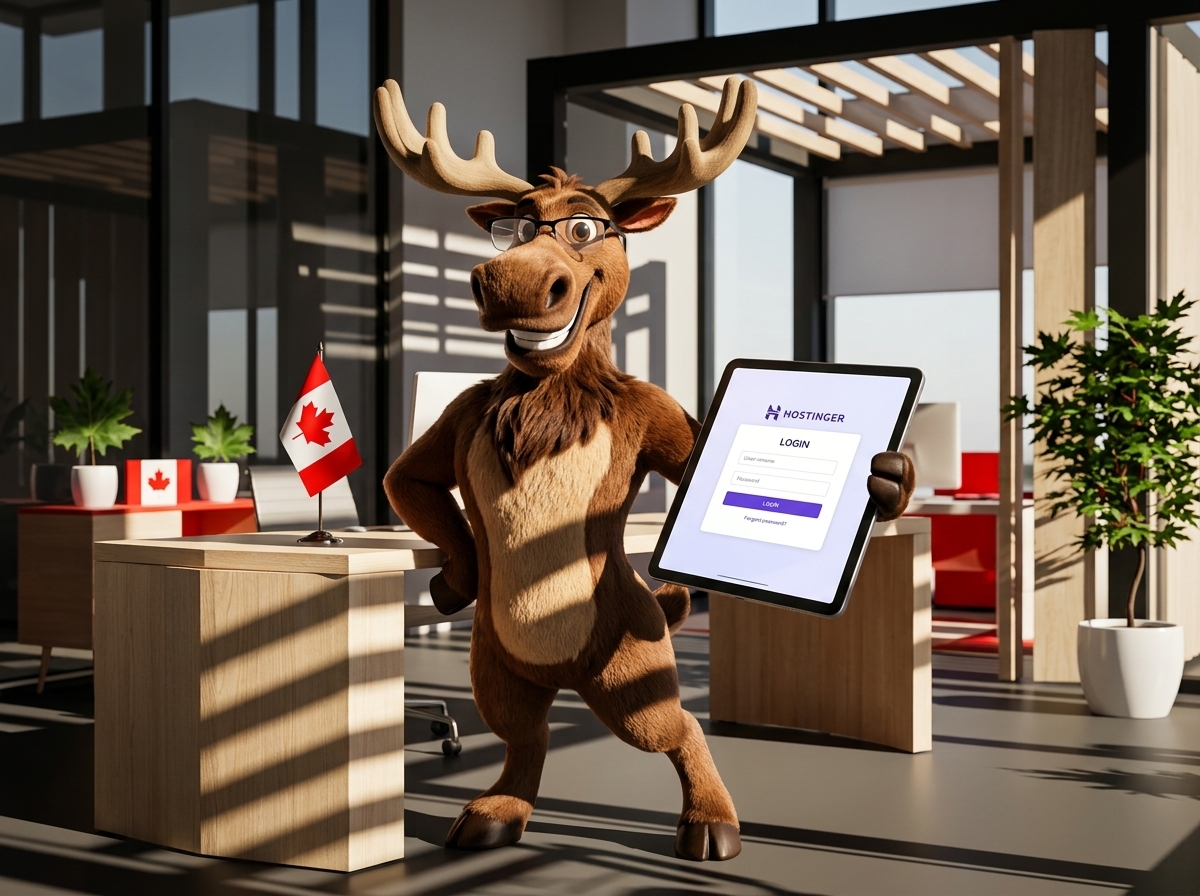
Even the best systems have hiccups. Password issues and two-factor snags are common but solvable. Let’s tackle these challenges head-on.
Forgot Hostinger Password Solutions
Forgetting your password is common. Hostinger makes resetting easy. Visit the login page and hit “Forgot Password?” Enter your email to receive reset instructions. Follow the email link to set a new password. Make sure it’s memorable yet secure.
Passwords should be a mix of letters, numbers, and symbols. Avoid using familiar words or sequences. A password manager can help keep track of them all. This way, you’ll never be locked out again.
Two Factor Authentication Hostinger Help
Two-factor authentication adds security, but it can be tricky. If you lose access, you can use backup codes given during setup. Have these codes handy—print them or save them securely.
If issues persist, contact Hostinger support for assistance. They’ll guide you through regaining access. Keeping your site secure with two-factor authentication is worth the minor hassle for peace of mind.
Cannot Login Hostinger Fixes
If you can’t log in, there are a few things to try. Check your internet connection first—it might be unstable. Also, clear your browser’s cache and cookies, as they can sometimes cause issues.
Ensure you’re using the correct login URL: mistakes happen. If problems continue, use Hostinger support for help. Their team can diagnose the issue and get you back online quickly.
Canadian Hosting Alternative: Westshore Web

If you’re seeking a Canadian hosting service with personalized support and local data residency, Westshore Web might be your perfect match.
Managed WordPress Hosting Canada
Westshore Web offers managed WordPress hosting designed for speed and security. Your WordPress site will run smoothly without constant manual maintenance. Managed plans handle updates and security, freeing you to focus on your business.
Canadian-based servers mean faster load times for Canadian users. Local hosting also ensures your data stays within Canada, meeting compliance needs. Enjoy the efficiency of a managed service with the speed of local hosting.
Real Human Support Hosting Benefits
With Westshore Web, you get real human support without ticket mazes or call centers. Their team knows WordPress inside and out, ready to solve issues quickly. Experience a direct line to experts who understand your site.
No contracts mean flexibility—you’re not tied down. This approach makes it easy to adapt as your business grows. Responsive support ensures you’re never stuck waiting for help.
Canadian Data Residency and Security
Westshore Web places a strong emphasis on keeping your data in Canada. This means compliance with local regulations and faster site performance. Security isn’t just about speed; it’s peace of mind knowing your data is safe and sound.
Choosing a hosting service that understands local needs gives you a strategic advantage. Whether it’s speed or security, Westshore Web delivers.
Frequently Asked Questions
How do I reset my Hostinger password?
To reset your Hostinger password, go to the login page and click “Forgot Password?” Enter your email, and you’ll receive a link to set a new password. Ensure it’s secure by using a mix of characters.
What if I can’t access my Hostinger account with two-factor authentication?
Use your backup codes given during setup to access your account. If you don’t have them, contact Hostinger support for assistance to regain access.
Why choose Canadian hosting with Westshore Web?
Westshore Web offers local data residency, which means faster speeds and compliance with Canadian regulations. Their real human support ensures you get expert help without the wait.
Can Westshore Web handle WordPress site migrations?
Yes, Westshore Web provides hassle-free site transfers with no downtime. Their team manages the full migration, including testing for performance and functionality.
What makes Westshore Web’s support different?
Westshore Web offers direct access to WordPress experts, not a ticket system. This personalized support means your issues are resolved quickly and efficiently, ensuring your site stays online.